
With so much time spent on laptops, desktops, and endlessly scrolling through our smartphones, screen time has become a natural part of modern life. However, it’s essential to remember that this reliance on digital devices can sometimes lead to a common issue: digital eye strain, also known as computer vision syndrome.
This growing health concern doesn’t just affect our eyes; it can also impact our overall productivity and comfort, bringing about discomfort during and after use. Being aware of this can help us take better care of our eyes and well-being.
What is Digital Eye Strain?
- Digital eye strain refers to various eye and vision problems that can occur from long periods of using digital devices like desktops, laptops, tablets, e-readers, and smartphones.
How Does Screen Strain Your Eyes?
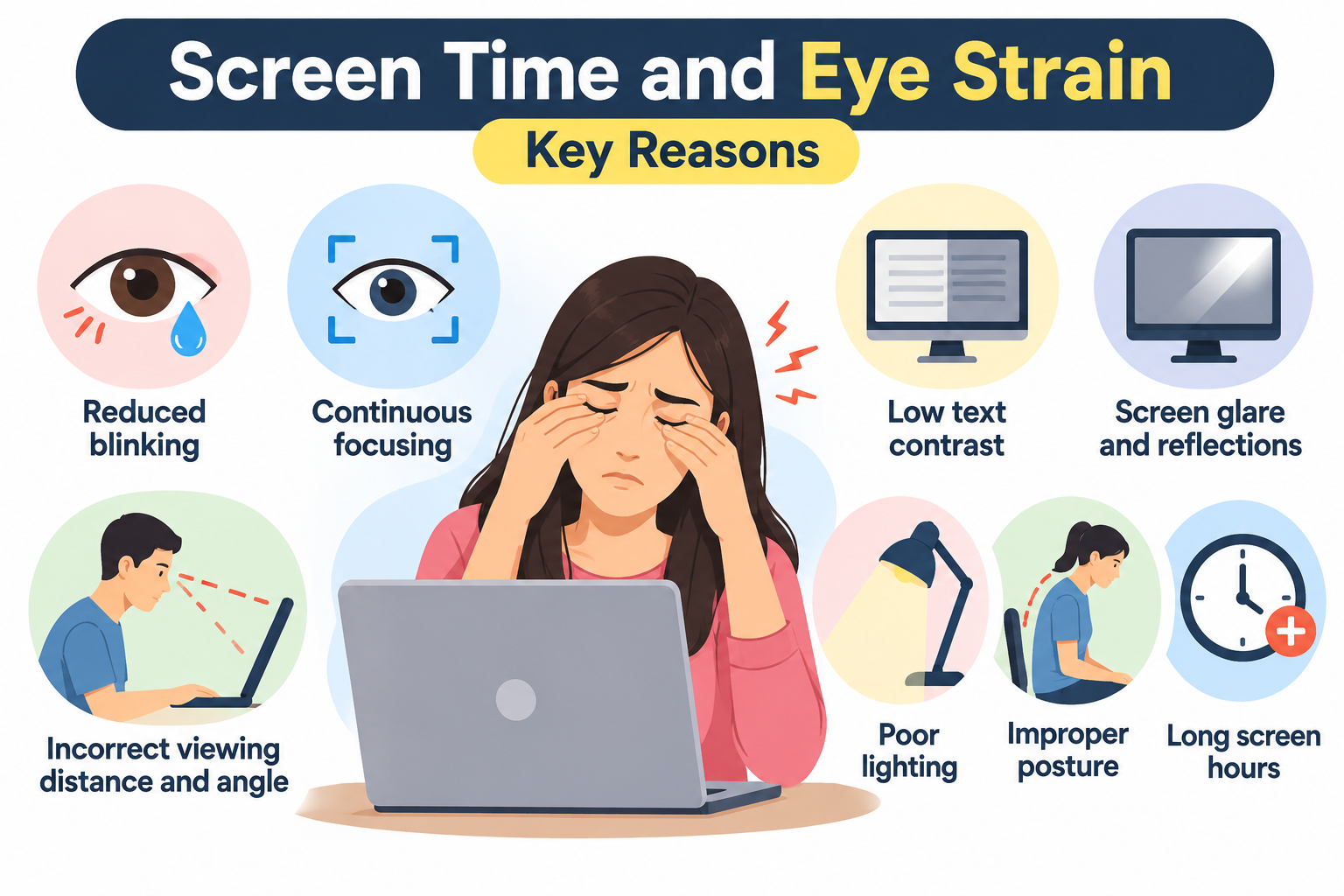
- Reduced blinking: We tend to blink less while using screens, increasing the risk of dry eyes and irritation.
- Continuous focusing: Prolonged focusing and refocusing on digital text can cause eye fatigue.
- Low text contrast: Poor contrast between text and the screen background makes reading more difficult.
- Screen glare and reflections: Increase visual discomfort.
- Incorrect viewing distance and angle: May increase visual strain.
- Poor lighting: Inadequate or excessive lighting can worsen discomfort.
- Improper posture: Can contribute to neck, shoulder, and back discomfort.
- Prolonged screen time: Extended daily use (> 4 hours), particularly with inadequate breaks, may increase the risk of digital eye strain.
What are the Symptoms ?
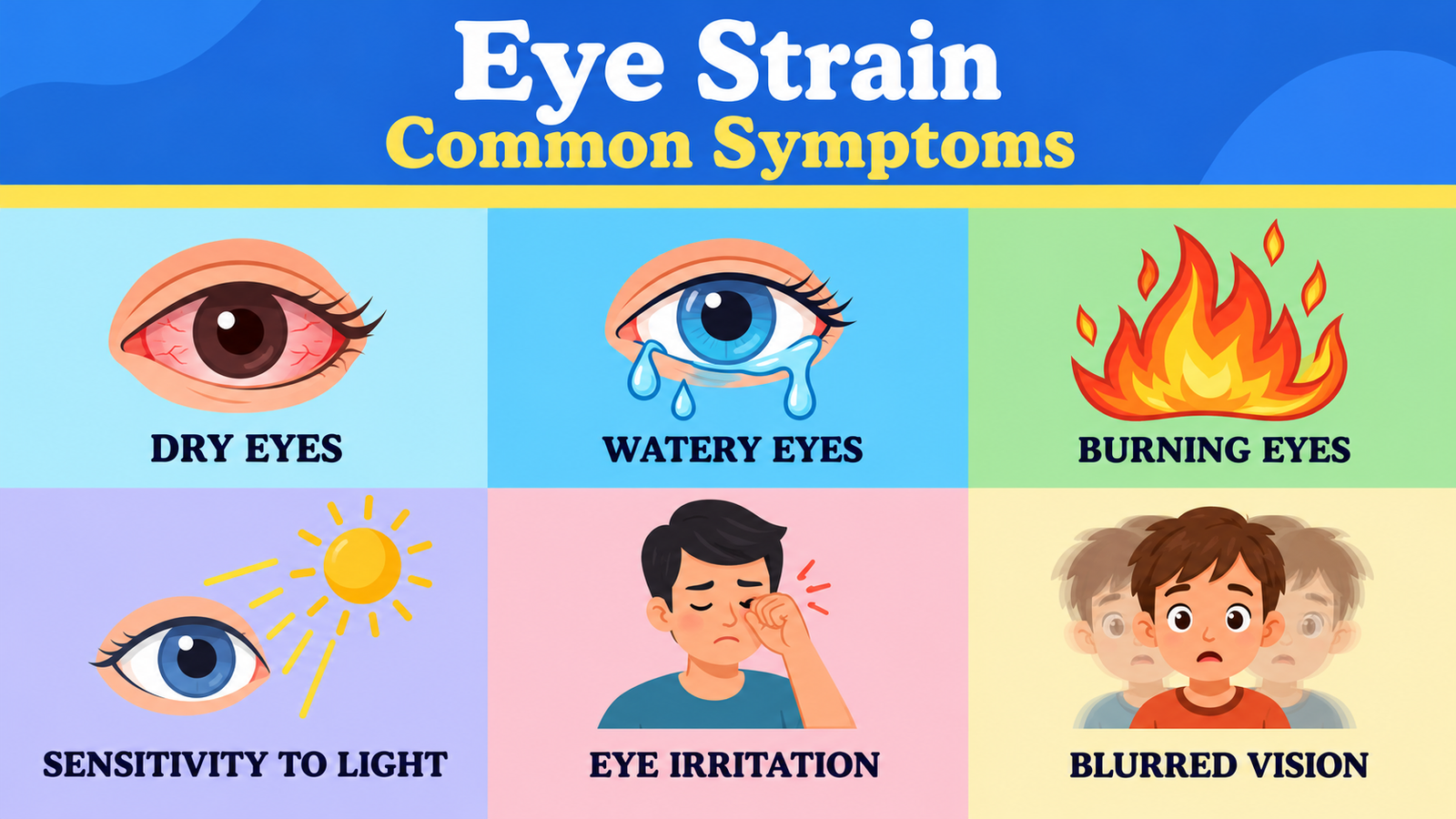
- Eye Surface–Related Symptoms
- Irritation in the eyes
- Watery eyes
- Burning sensation in the eyes
- Dry eyes
- Headaches
- Sensitivity to bright lights
- General eye discomfort
- Accommodation or Focus–Related Symptoms
- Blurred near or distant vision after screen use
- Difficulty in shifting focus between different distances (for example, from the screen to the paper)
- Non-eye-related symptoms
- stiff neck
- general fatigue
- headache
- backache
Quick Ways to Relieve Digital Eye Strain
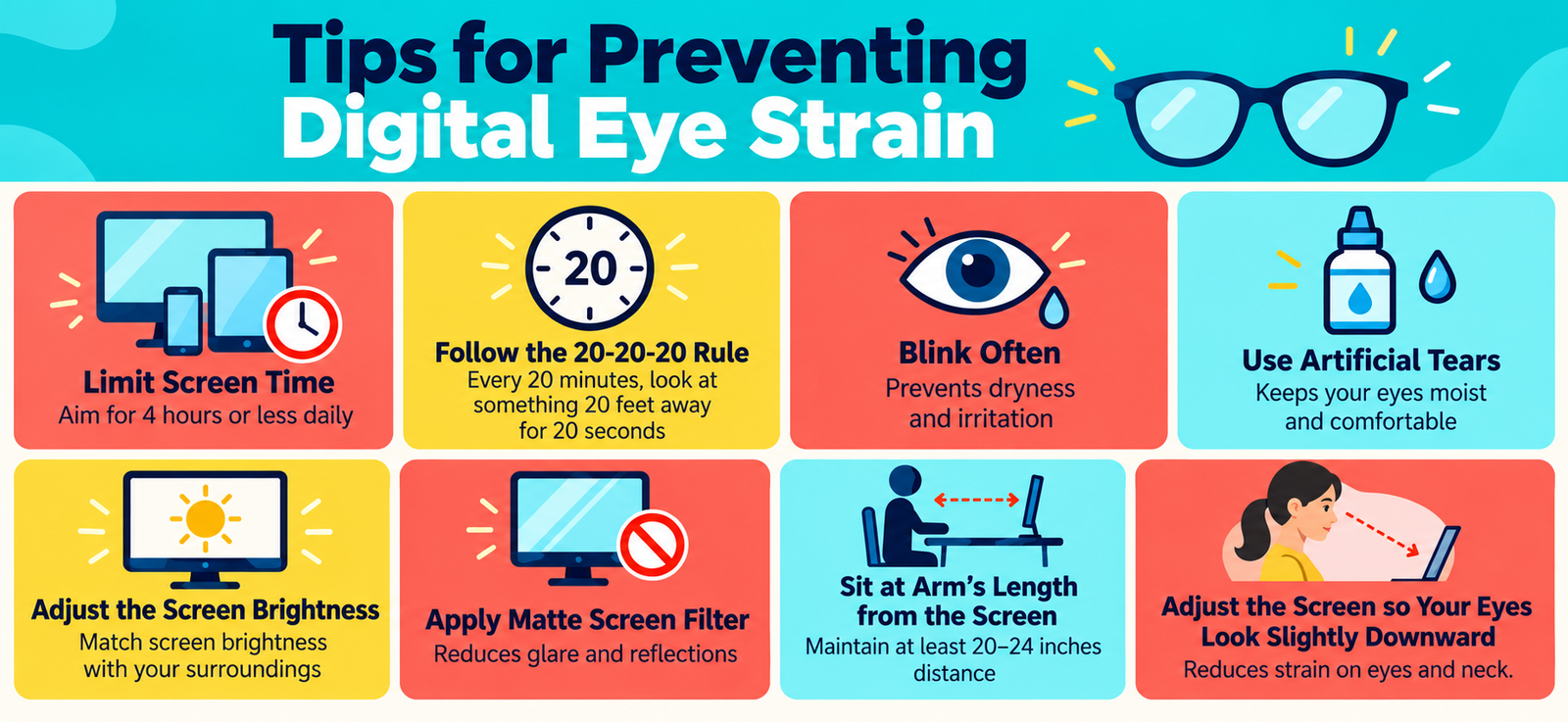
Limit Screen Time
- Average daily screen time should be reduced to a reasonable limit (≤ 4 h daily).
Follow the 20-20-20 Rule
- Every 20 minutes, take a moment to look at something 20 feet away for at least 20 seconds. It’s a simple and friendly reminder to give your eyes a break and stay comfortable throughout your day.
Adjust screen brightness and contrast
- If your screen looks brighter than your surroundings, your eyes work harder to see. Adjust brightness to match the surrounding light and increase contrast to reduce eye strain.
Minimize the digital screen glare
- Digital screens can be reflective and cause visibility issues. Try a matte screen filter to reduce glare. Check with local computer or phone shops—they often have a wide range of options.
Blink frequently
- Did you know that humans typically blink about 15 times per minute? However, when using computers and digital screens, this rate drops to around 5 to 7 times a minute. Blinking is essential for keeping the surface of the eye moist.
Lubricate eyes
- Consider using artificial tears to soothe your dry eyes whenever you need relief gently. If you frequently spend time in a dry, warm environment, consider adding a humidifier to increase air moisture and make your surroundings more comfortable.
Adjust your position at the computer
- When using a computer, try to sit about 20-24 inches away from the screen—roughly an arm’s length. Also, gently position the screen so your eyes look slightly downward rather than straight ahead or upward.
Use computer glasses
- Computer eyeglasses reduce eye strain during long hours on a computer by focusing at the intermediate distance (20-26 inches). Some multifocal lenses feature the ability to shift focus between distances.
Tips for Contact Lens Wearers
- If you use digital devices for extended periods while wearing contact lenses, you may experience ongoing dry eye issues. Here are some quick tips to protect your eyes:
- Switch to glasses occasionally to give your eyes a break.
- Never sleep in contact lenses, even if they’re “extended wear.”
- Clean your lenses properly—always follow recommended care procedures.
When to Visit an Eye Doctor?
- Vision changes that do not improve with self-care.
- Frequent redness, watery eyes, or blurred vision.
- Sensitivity to light or eye discomfort.
- Persistent headaches or eye strain.
Key Takeaway
Digital eye strain is a common concern today, but making a few simple lifestyle adjustments can help keep your eyes healthy and happy. Just remember to blink often, reduce screen time, take regular breaks, and follow the 20-20-20 rule. Even small changes can protect your vision for years to come!
Further Reading
- Kaur, K., et al. (2022). Digital eye strain — a comprehensive review. Ophthalmology and Therapy, 11(5), 1655-1680. https://pmc.ncbi.nlm.nih.gov/articles/PMC9434525/ PMC
- American Academy of Ophthalmology. (2024, October 15). Digital devices and your eyes. https://www.aao.org/eye-health/tips-prevention/digital-devices-your-eyes American Academy of Ophthalmology
- Cleveland Clinic. (n.d.). Eye strain: Symptoms, causes & treatment. https://my.clevelandclinic.org/health/diseases/21059-eye-strain Cleveland Clinic
- American Academy of Ophthalmology. (2024, June 27). Computers, digital devices, and eye strain. https://www.aao.org/eye-health/tips-prevention/computer-usage American Academy of Ophthalmology


